Available now
Type a Prompt, Get a Publish-Ready Image
You can picture the shot but have no time to design it. A finished 1K visual ready to download and post.
Turn creative direction into finished visuals with text-to-image creation, precise photo editing, and fast iteration. No design skills or API keys required.
Text-to-image and single-photo editing in your browser.
Start from a prompt or upload a photo, and the Muse Image generator turns your direction into a finished visual online — text-to-image or single-photo editing, no install and no API keys.
Press Cmd/Ctrl + Enter to generate.
Sign in to use your trial credits and generate images.
Safety screening on every generation
Your generated images will appear here.
Muse Image AI StudioGo past one-shot prompting: generate from text, edit a single photo by describing the change, and keep refining the same result until it lands.
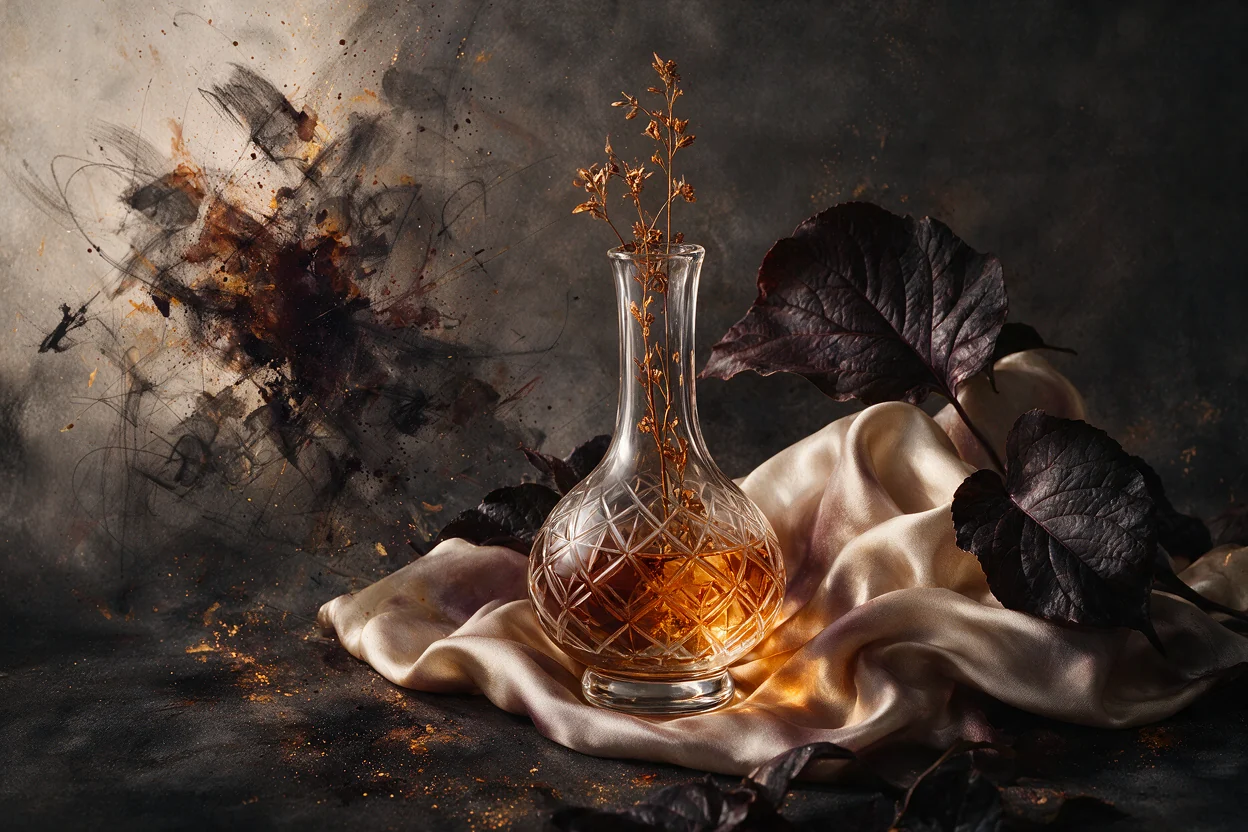
You can picture the shot but have no time to design it. A finished 1K visual ready to download and post.
You need one thing changed in a photo, not a whole redraw. The subject stays intact while only the part you asked for changes.
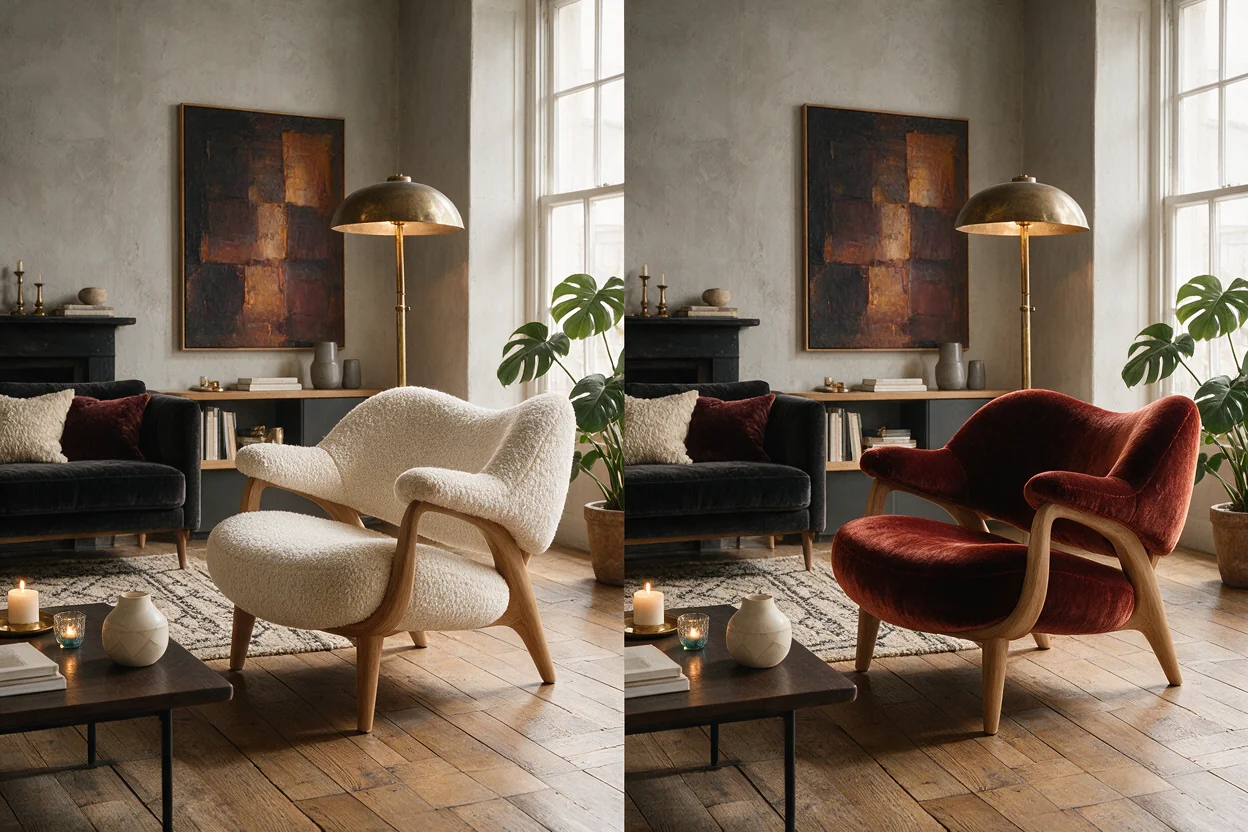
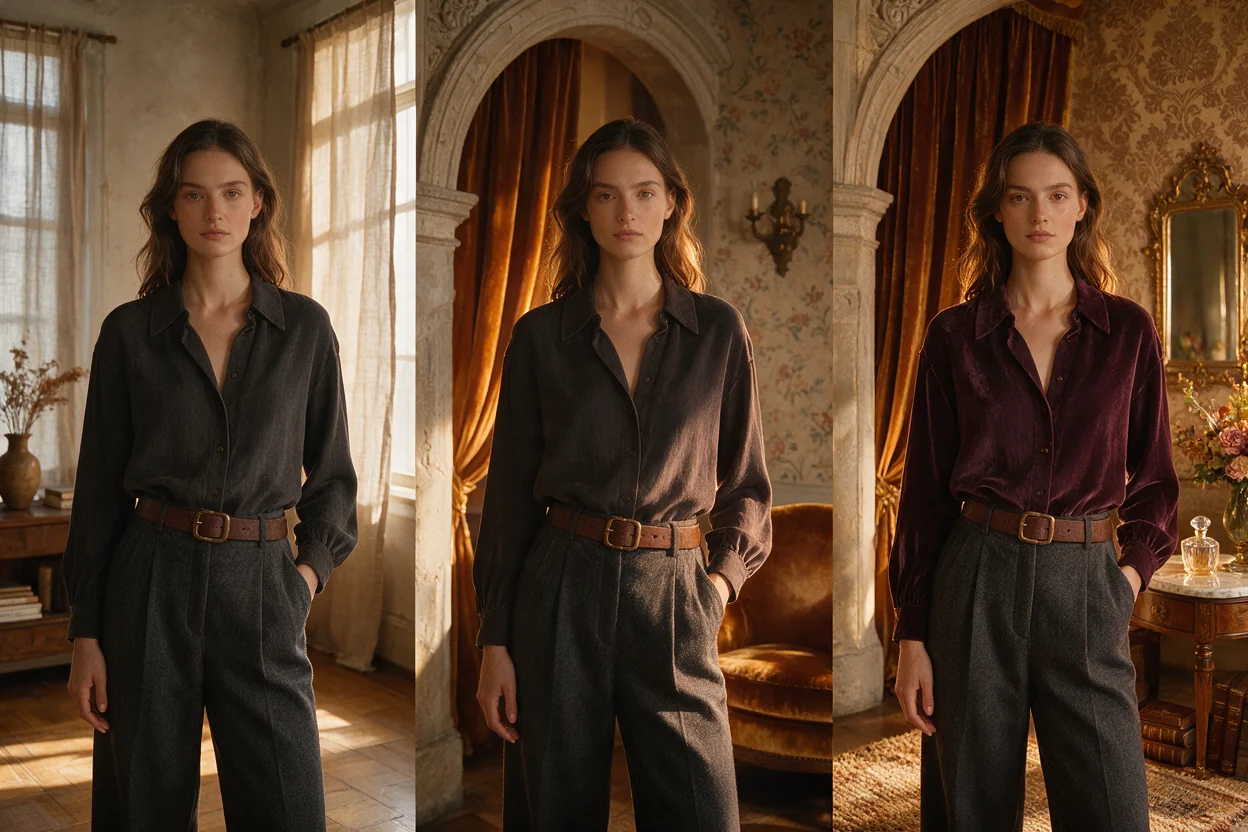
You rarely nail the image on the first try and hate restarting. You close in on the exact look across a few quick rounds.
You freeze at an empty prompt box and do not know where to start. You start from a proven prompt and tweak instead of writing from zero.
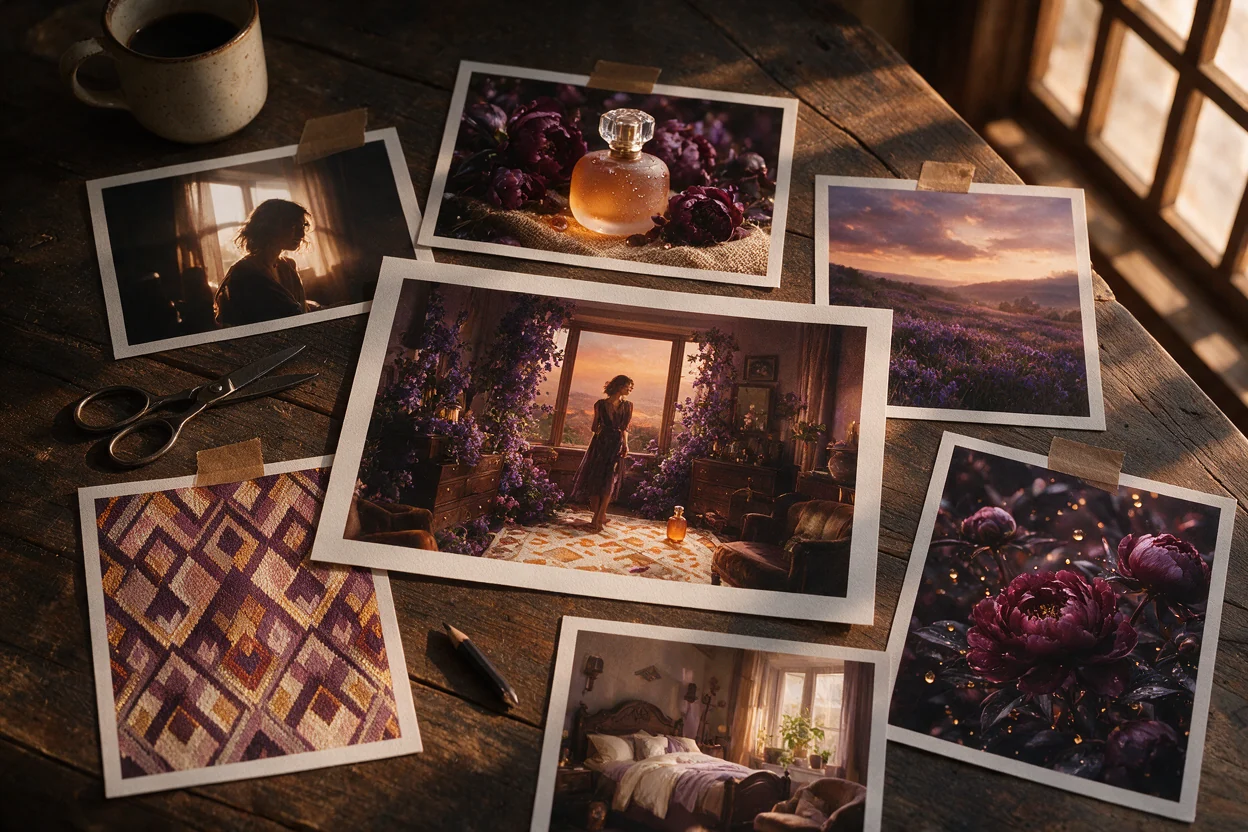
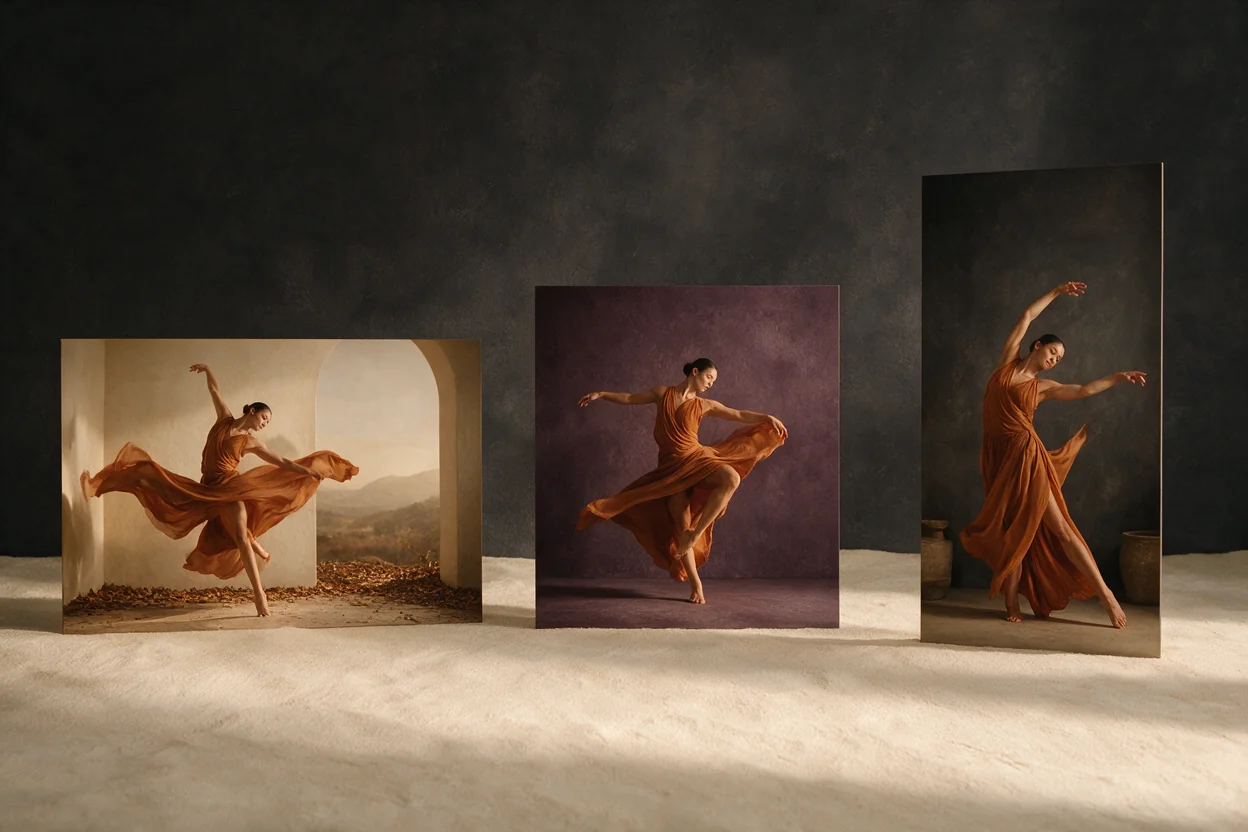
You need square, wide, and vertical assets without rebuilding the prompt. Switch between square, wide, and vertical ratios and generate each version in PNG or JPEG.
You worry a confirmed failure will consume the credits reserved for the run. Confirmed failures release the reservation; retry reuses the same run.
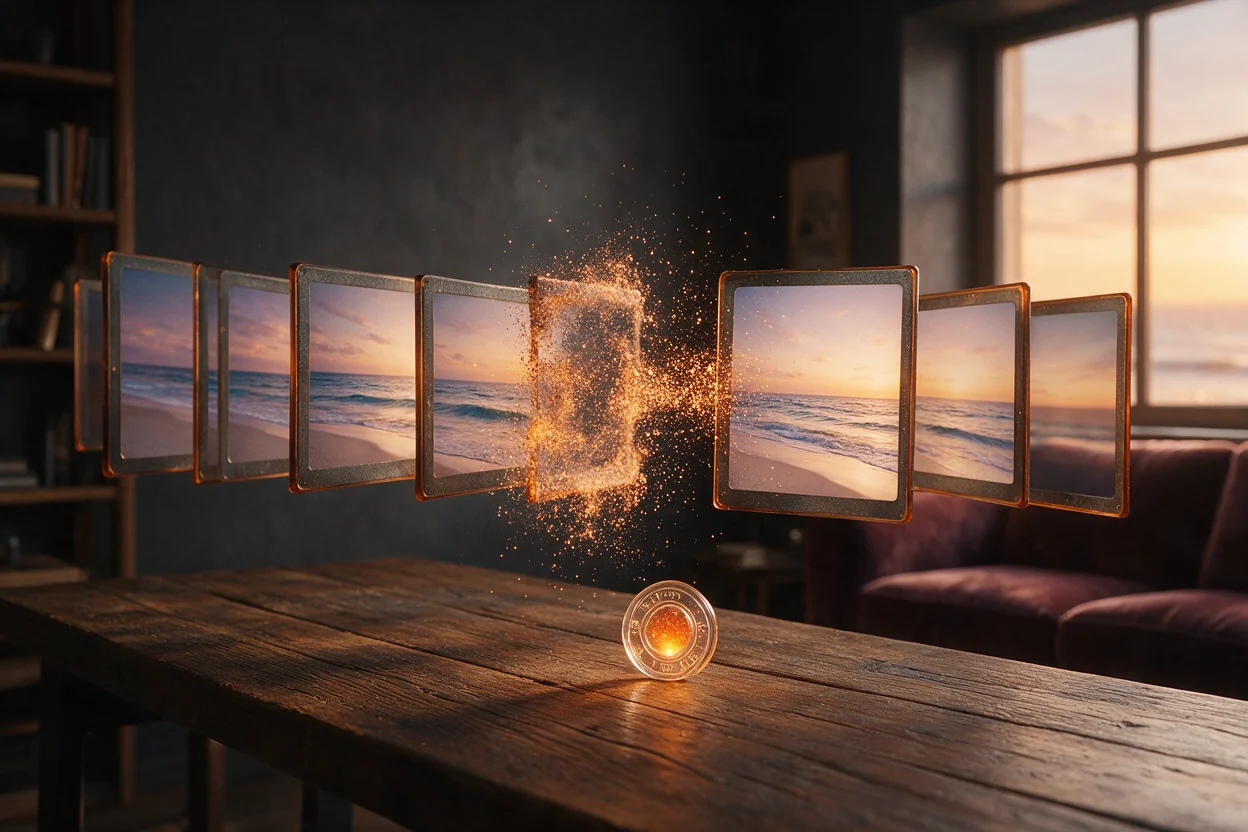
Go beyond a single prompt with planning, precise editing, multi-reference composition, and iterative creation across people, objects, and styles.
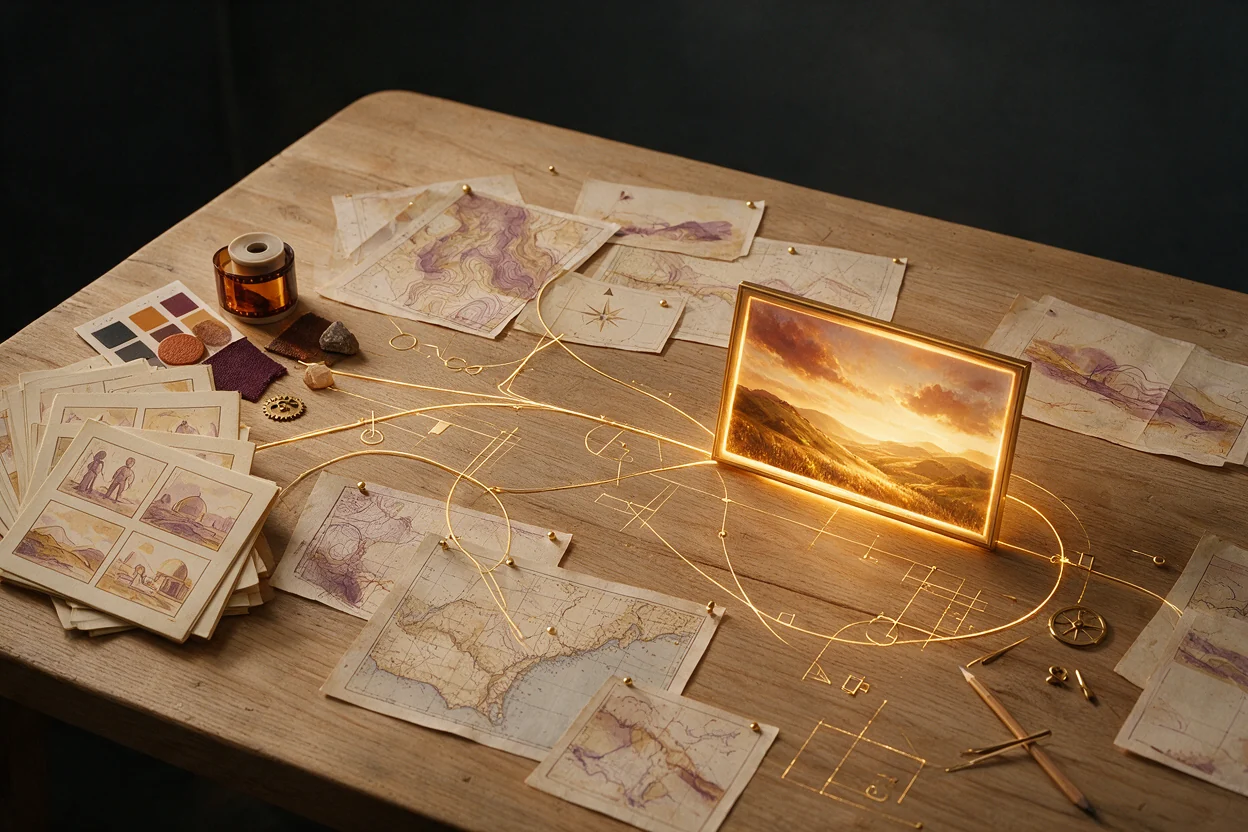
Muse Image can reason through complex prompts, use search and coding tools, and choose a better path before producing the final image.
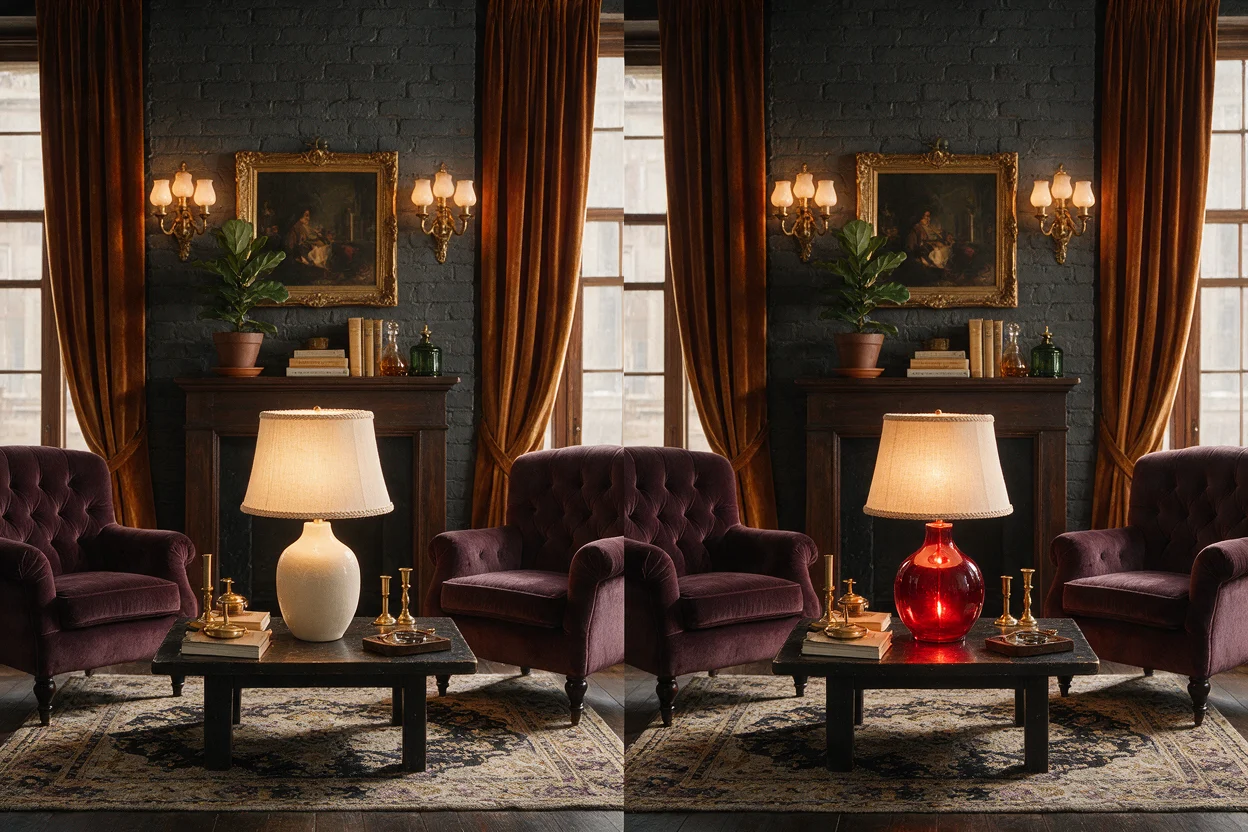
Edit objects, materials, backgrounds, and details with natural language while preserving the wider scene.
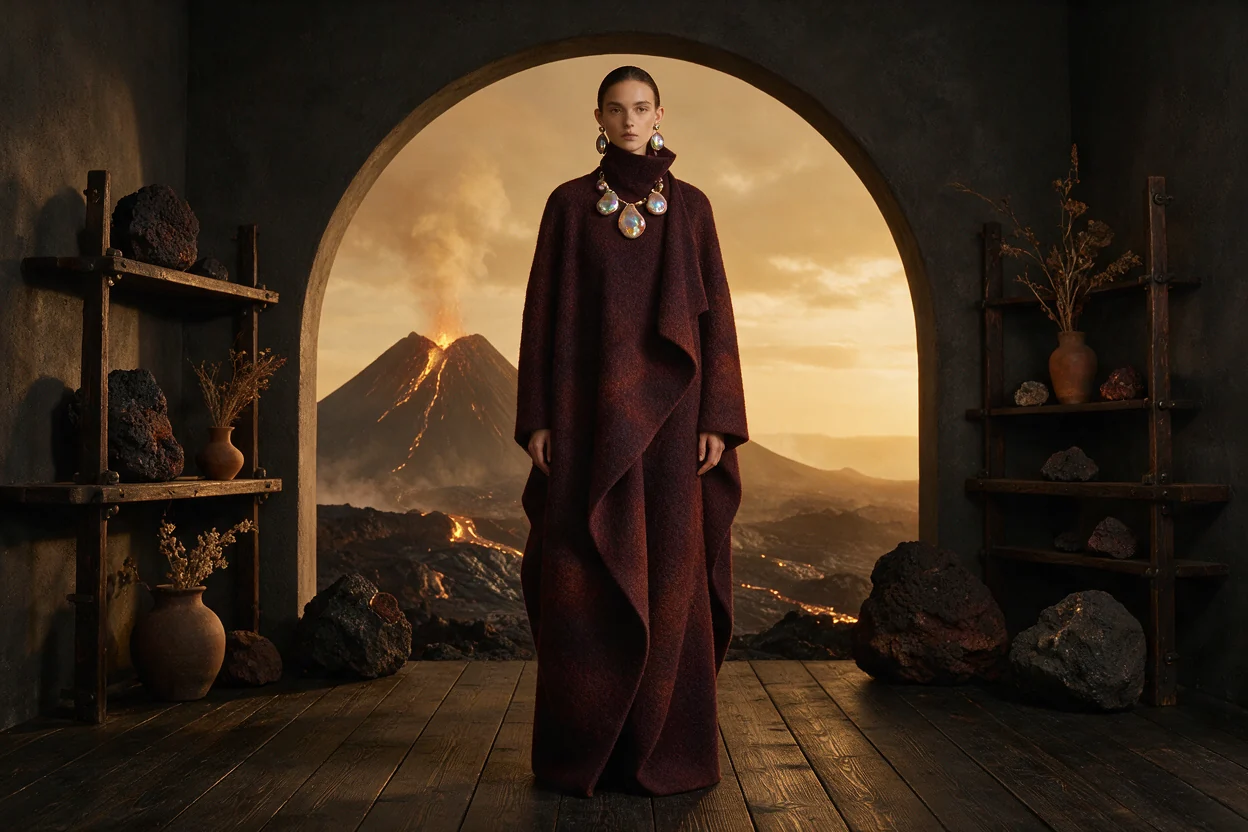
Combine people, objects, clothing, visual styles, and environments into one coherent composition.
Refine an image across multiple turns, explore alternatives, and move gradually toward the result you want.
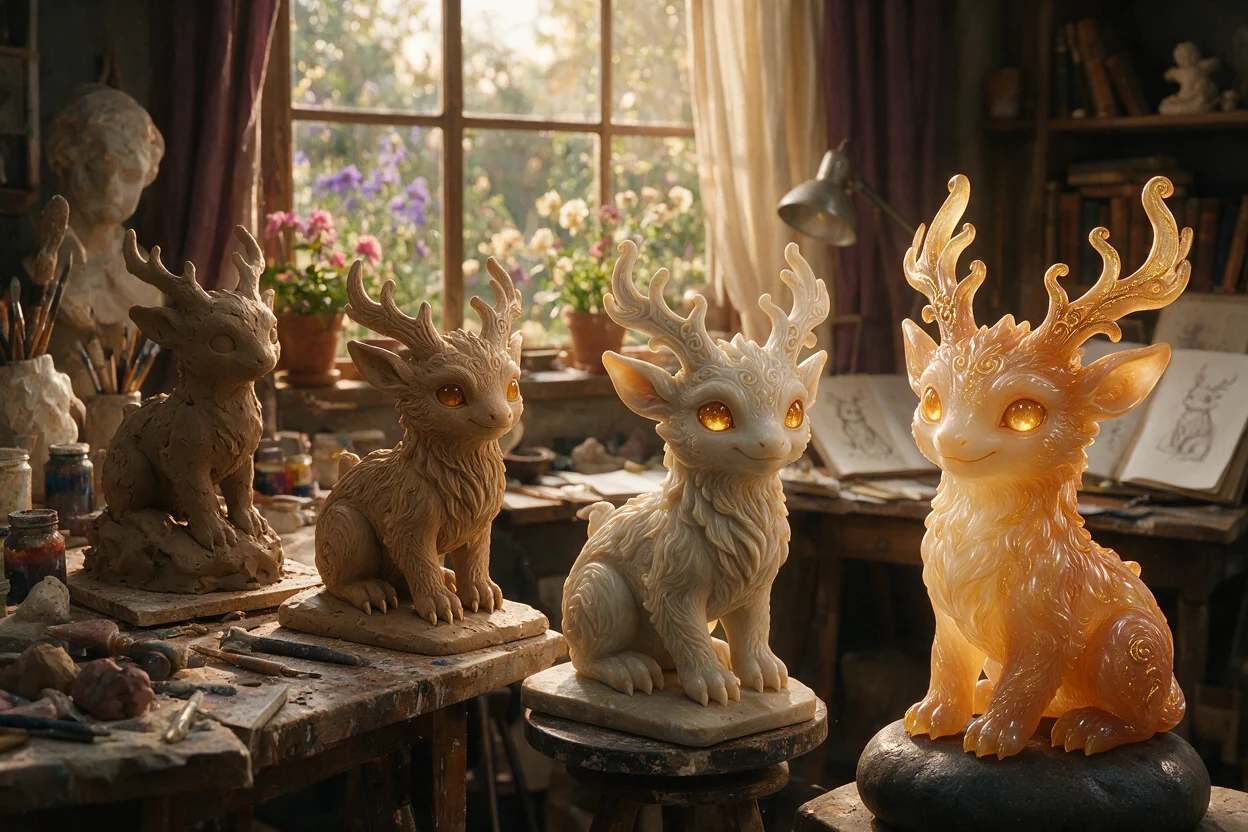
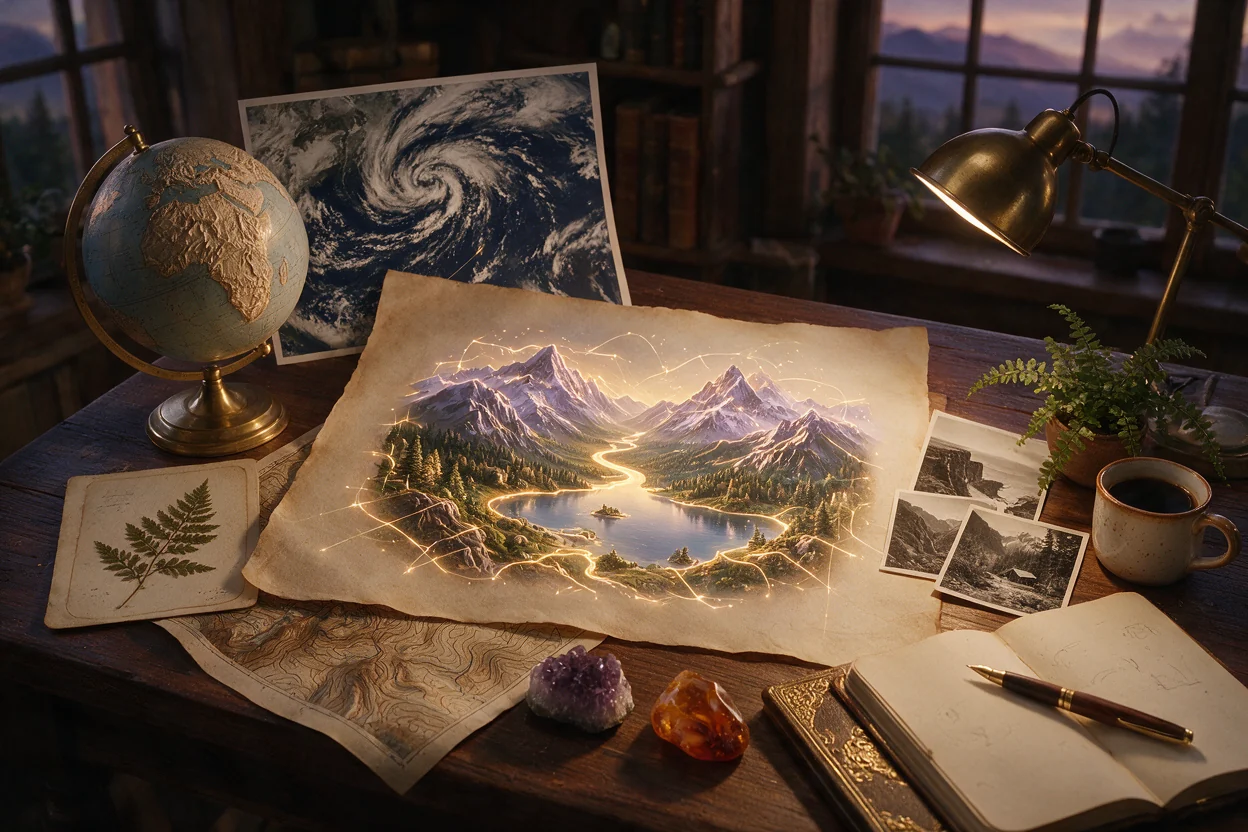
Search tools can ground knowledge-heavy creations in current facts and visual references.
Coding and rendering tools help Muse Image produce plots, charts, layouts, and other structured visual elements.
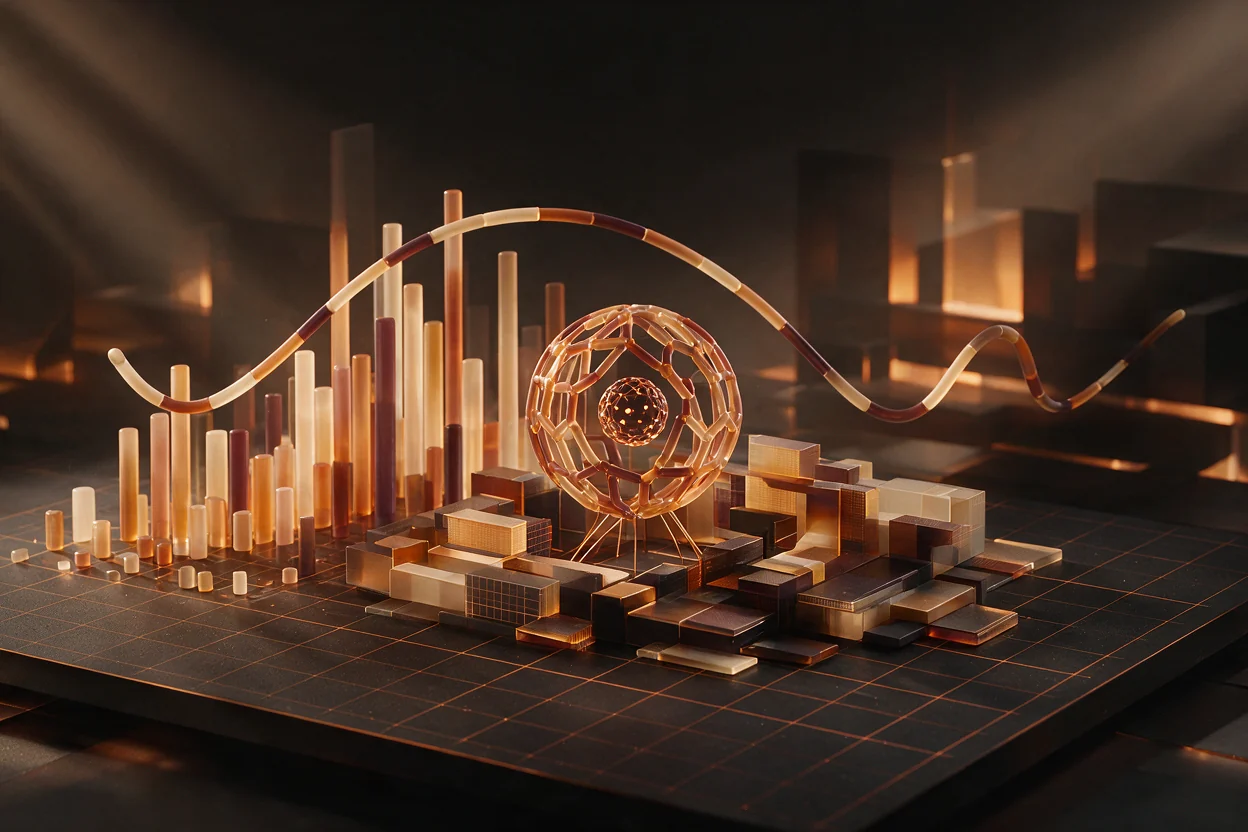
A broader capability map for deliberate, controllable image creation.
Selected from Meta's official Muse Image launch article to show the model's published range.
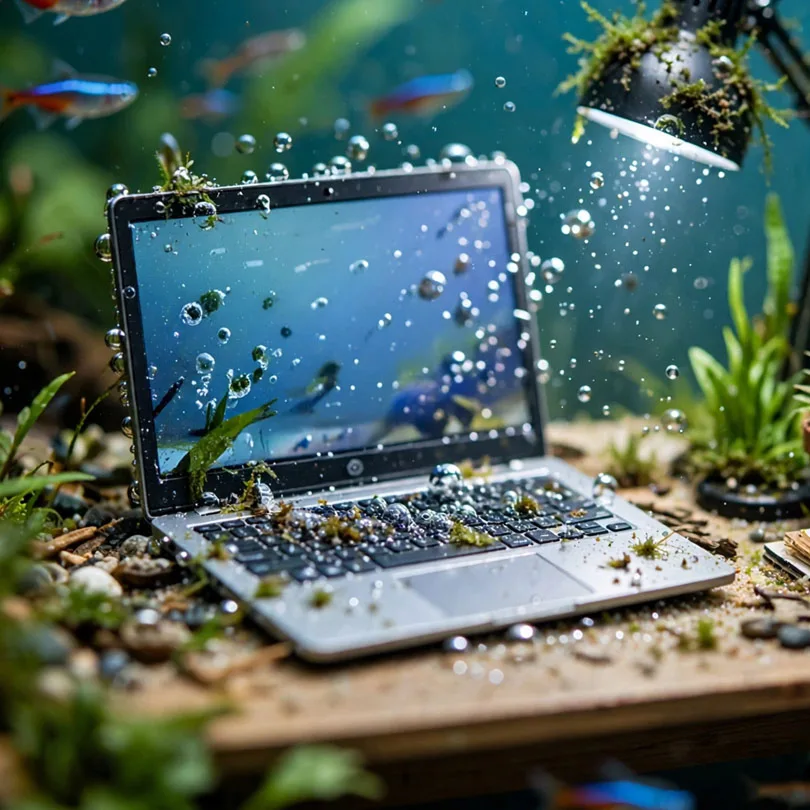
An aquarium-inspired workspace surrounded by fish.
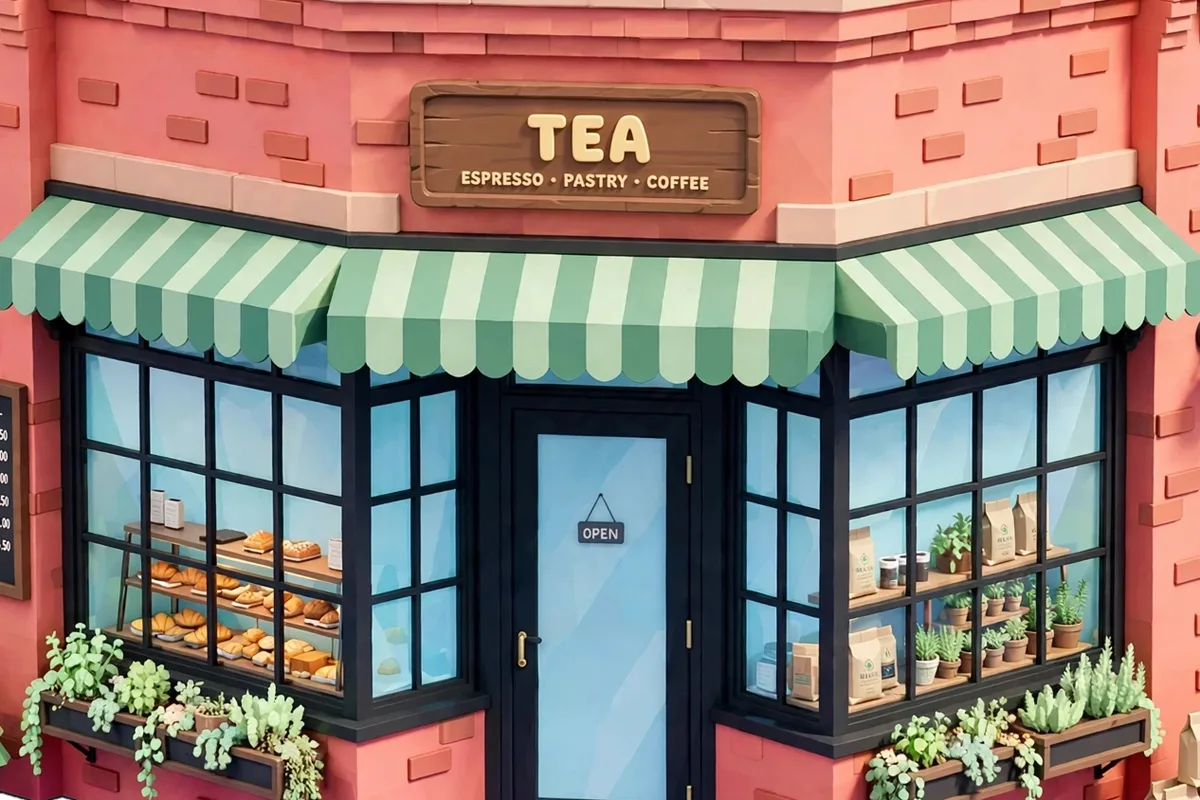
A building transformed into an isometric low-poly game asset.
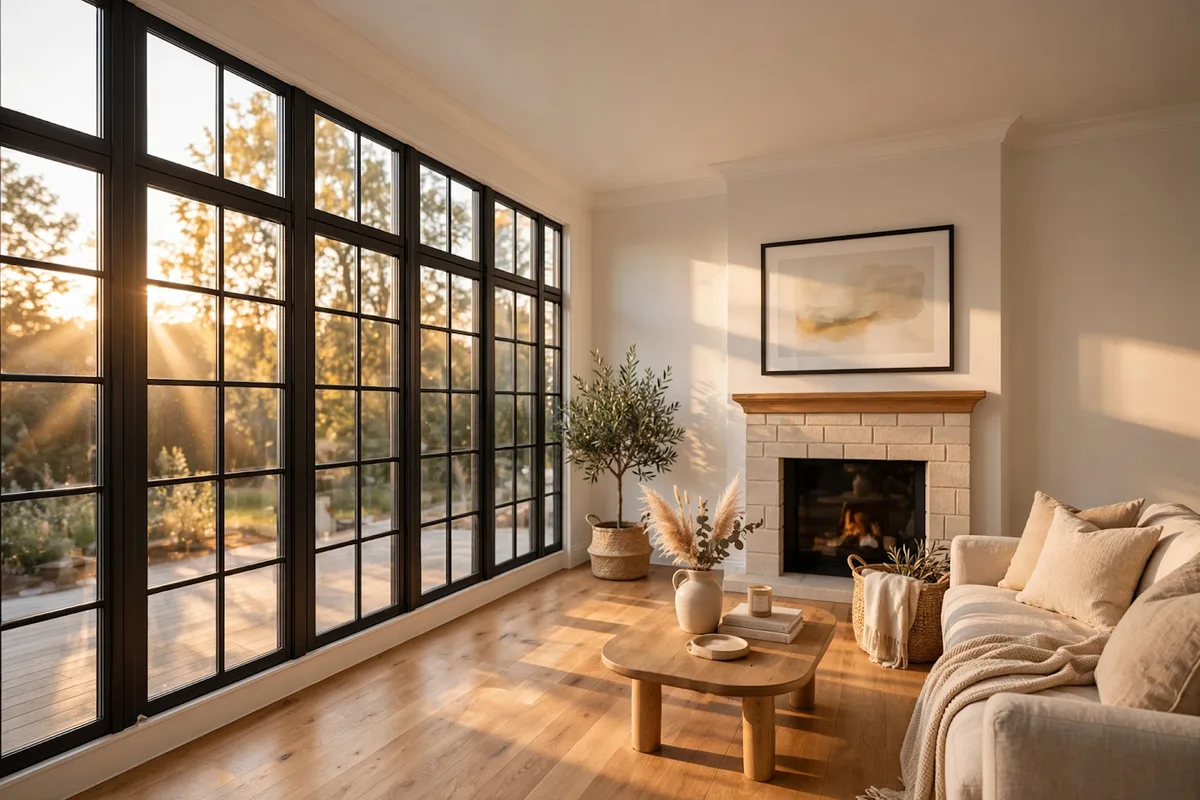
A photoreal Scandinavian interior with oak and linen textures.
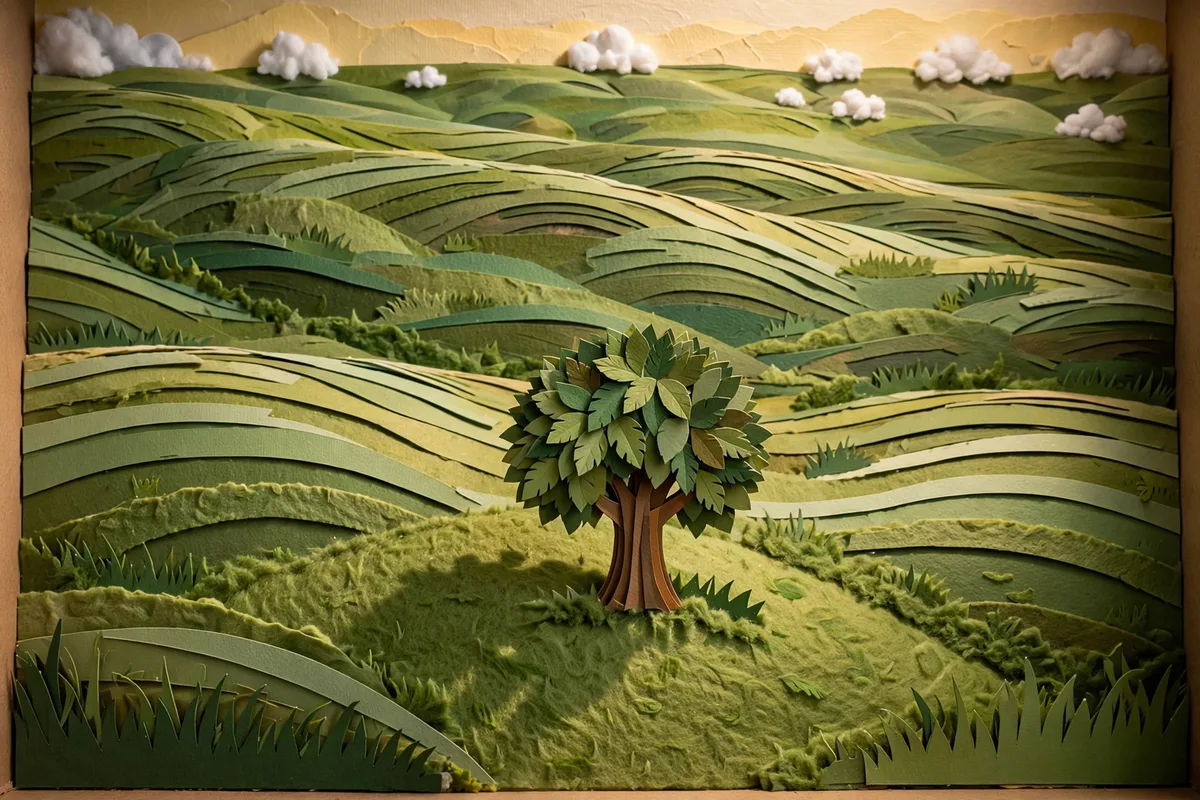
A handmade paper landscape with layered hills and cotton clouds.
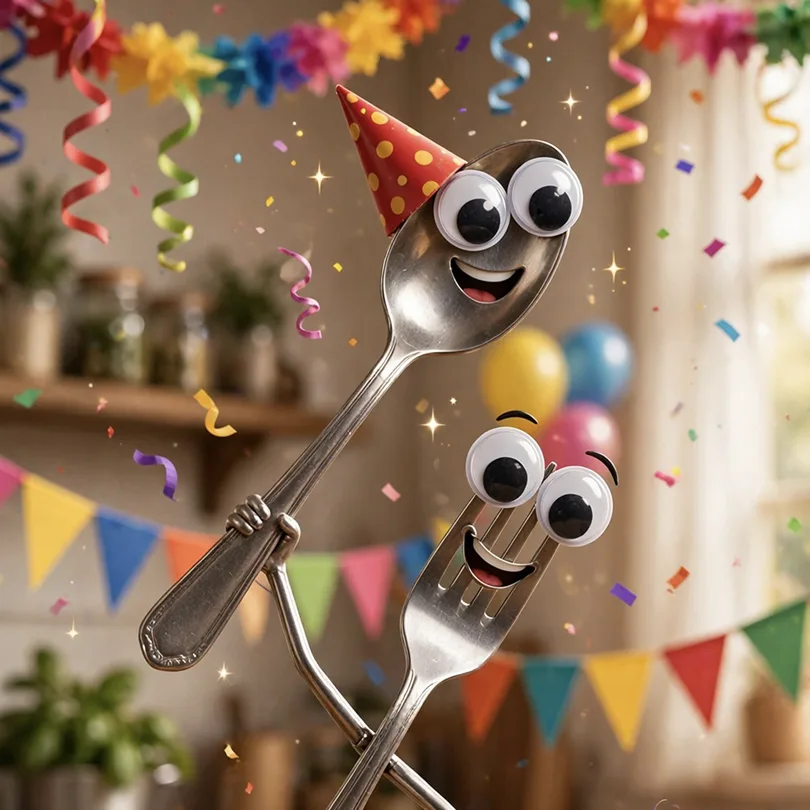
Playful cutlery characters celebrating under colorful confetti.
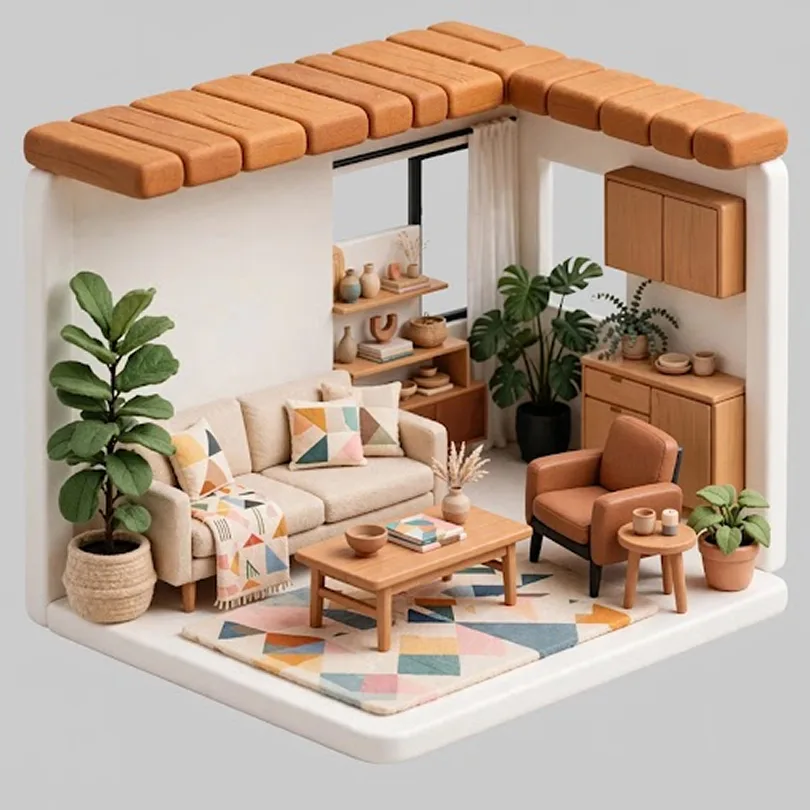
A toy-like isometric room rendered as a miniature scene.
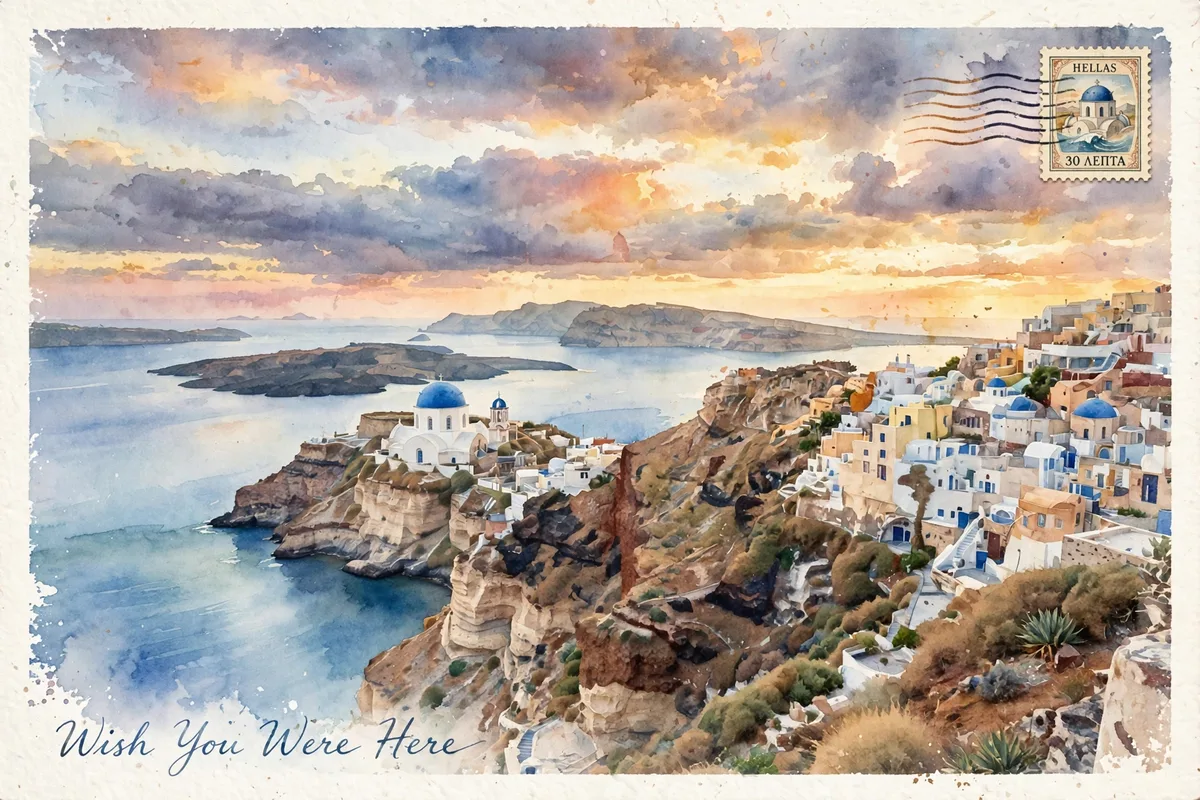
A watercolor travel postcard overlooking an ocean cliff.
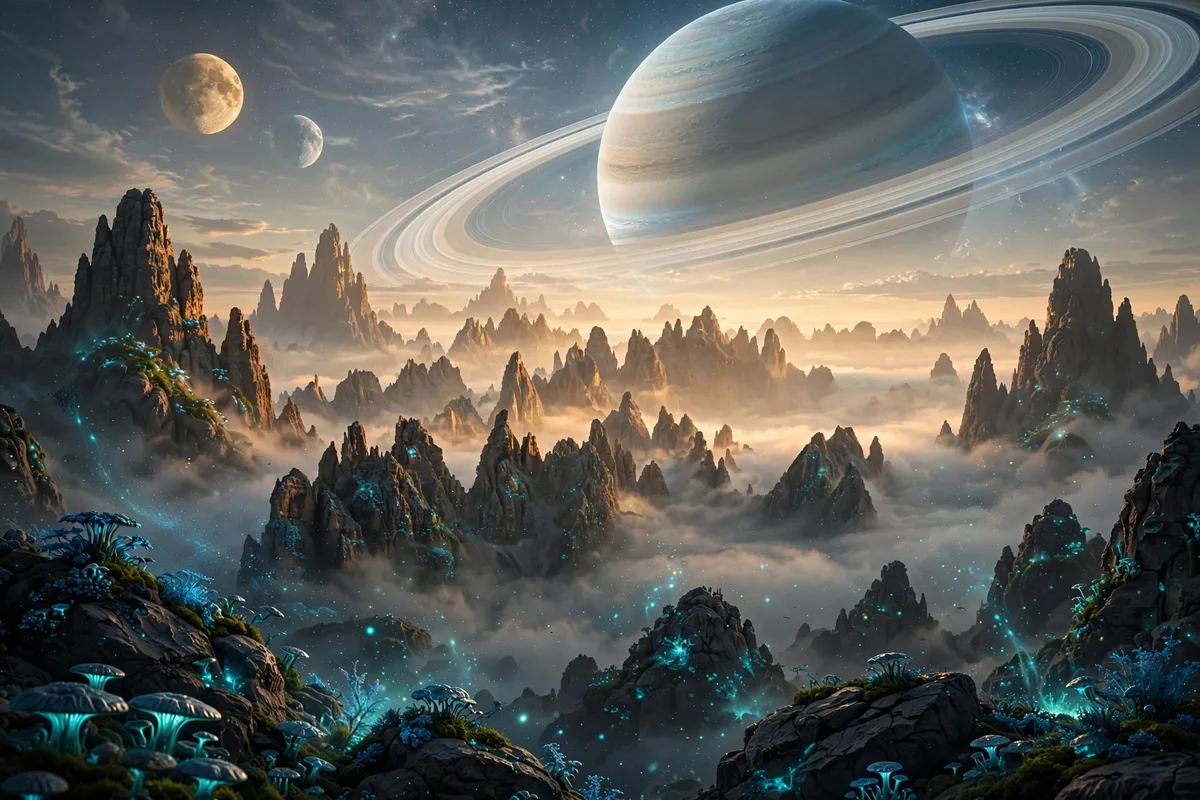
A science-fiction landscape with twin moons and glowing plants.
Move from an idea or an existing photo to useful visuals for products, campaigns, spaces, and stories.
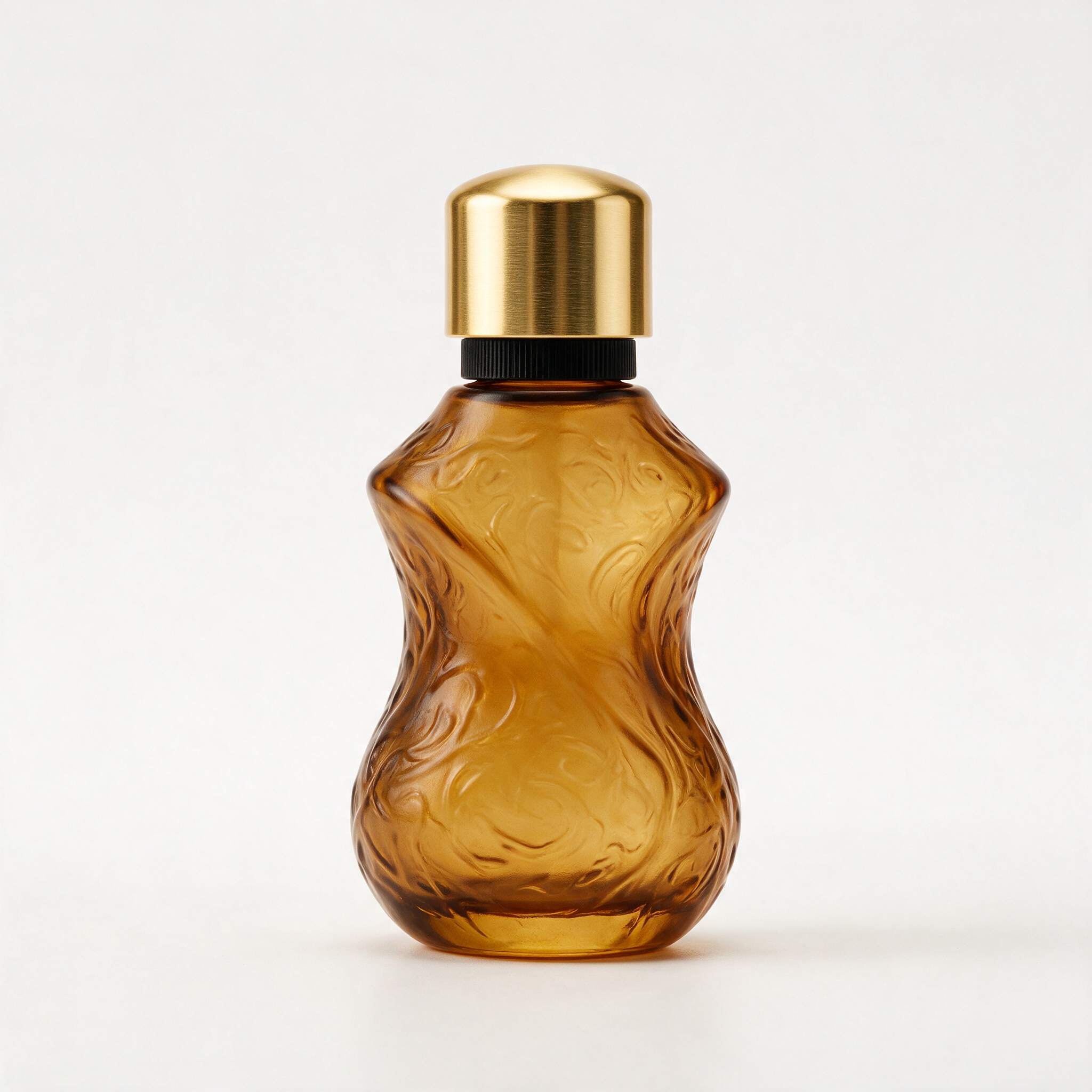
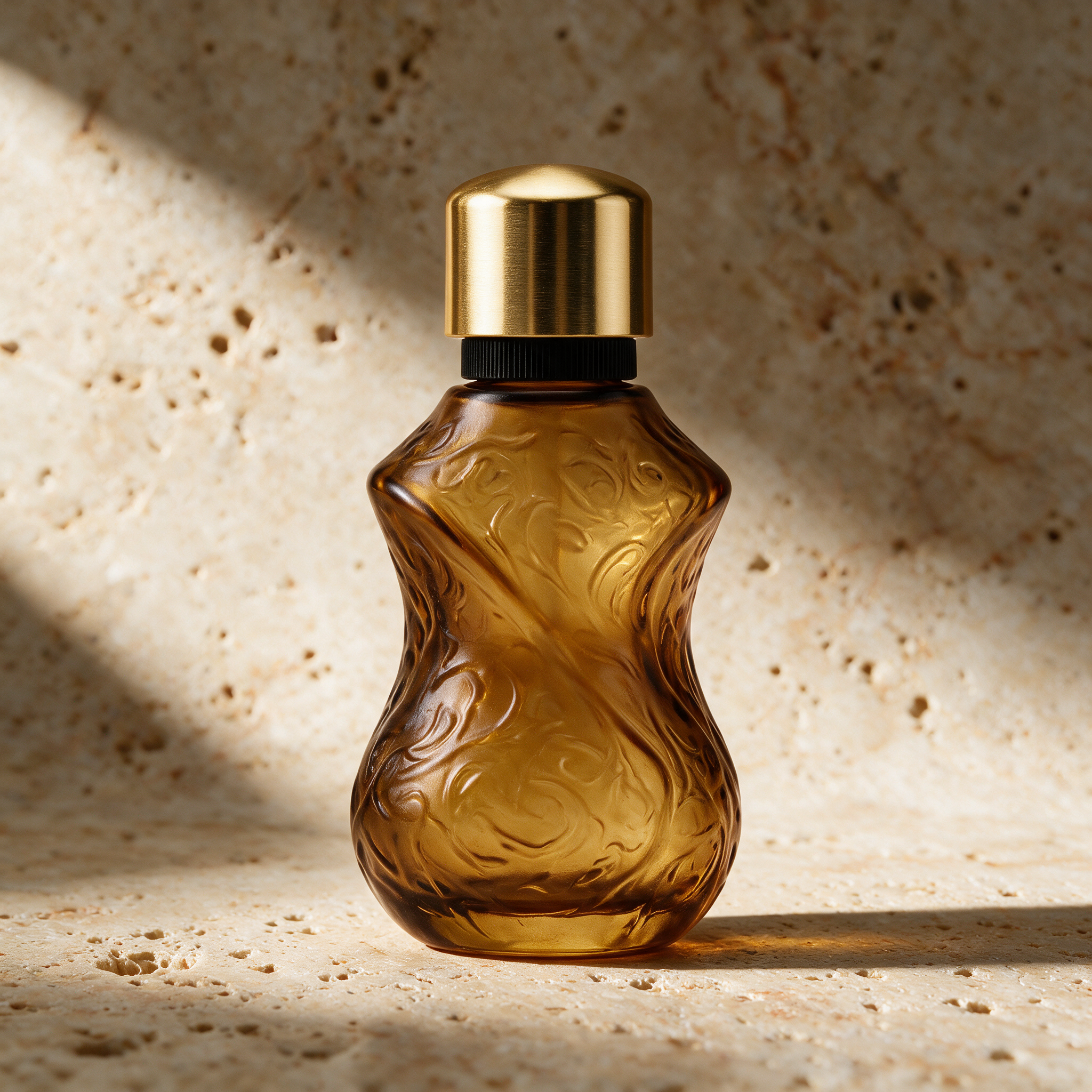
You upload a product photo, describe the scene and lighting, and get ad-grade hero images and social creative sized 1:1, 16:9, or 9:16 for your store.
Generate a Product ShotYou describe a campaign idea and get posts, thumbnails, and covers in feed, story, and banner sizes, ready to publish the same day.
Create Social GraphicsYou upload a portrait or product and turn it into a claymation character, oil painting, or game-art asset while keeping the pose recognizable.
Restyle a PhotoYou upload a room photo, describe a style, and get concept renders that keep the architecture while swapping materials, furniture mood, and lighting.
Redesign a RoomYou describe a scene and get characters, environments, and mood frames in 16:9 or 9:16 to anchor a story, game, or client pitch.
Create Concept ArtYou upload an old photo and reduce scratches, recover color, and sharpen faces, or reimagine it in a new era while keeping the original moment.
Restore a PhotoPick a preset — product hero, editorial portrait, interior redesign, photo restoration, or concept art — then adapt the prompt to your idea.
| Preset | Prompt |
|---|---|
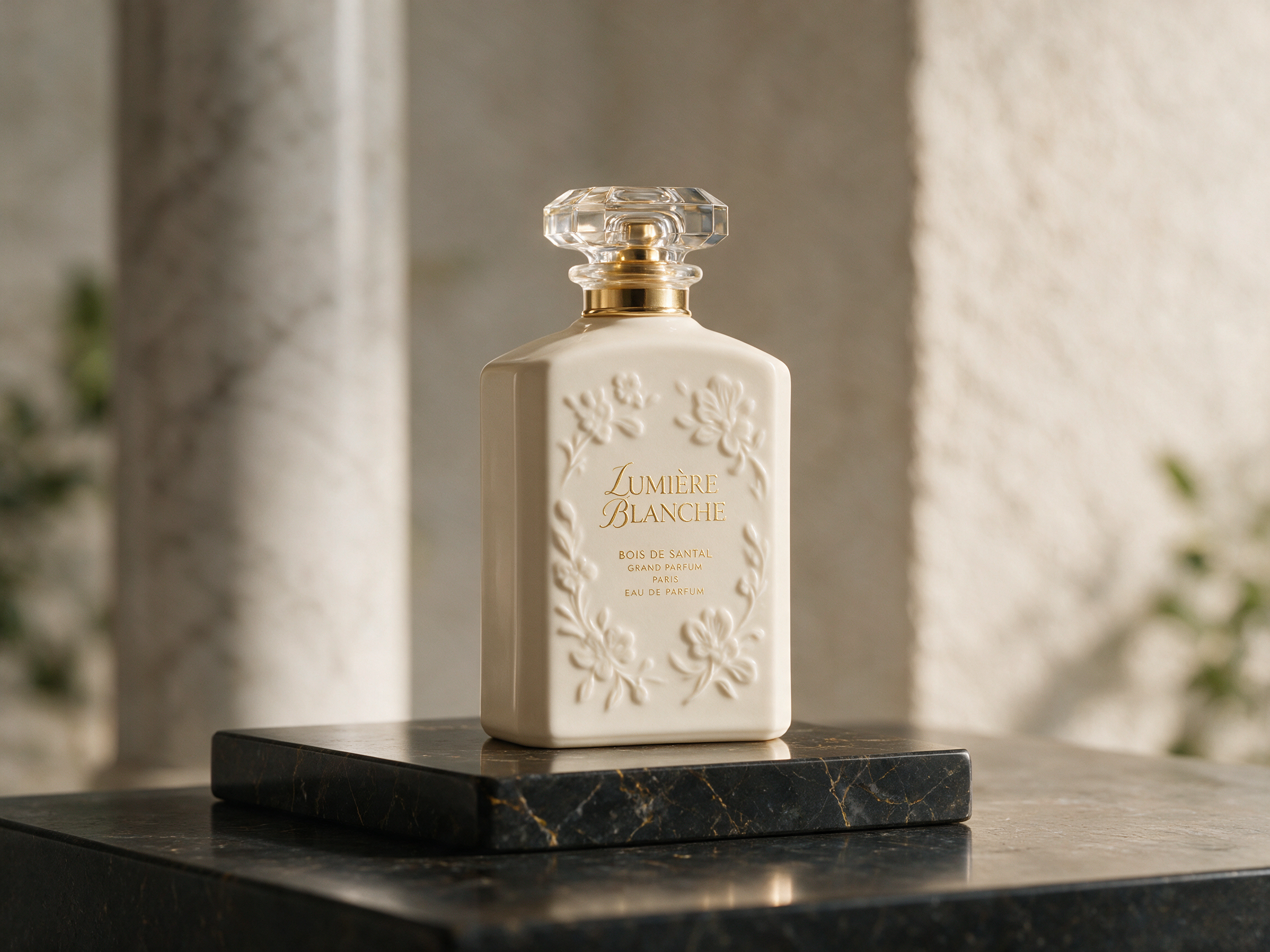
| Product hero | Create a premium commercial hero photo of this product. Keep its shape, label, and proportions unchanged. Place it on warm limestone with soft studio shadows, subtle reflections, and a minimal luxury composition. |
| Editorial portrait | Reimagine this portrait as a 35mm editorial photograph. Preserve the person's identity and expression. Add cinematic side lighting, rich color grading, natural skin texture, and intentional magazine composition. |
| Interior redesign | Restyle this room in warm minimalism with natural oak, linen upholstery, sculptural lighting, and neutral textures. Respect the original architecture and camera angle. |
| Photo restoration | Restore this old photograph while preserving the people and original moment. Reduce scratches and discoloration, recover natural contrast, improve facial clarity, and keep a realistic photographic finish. |
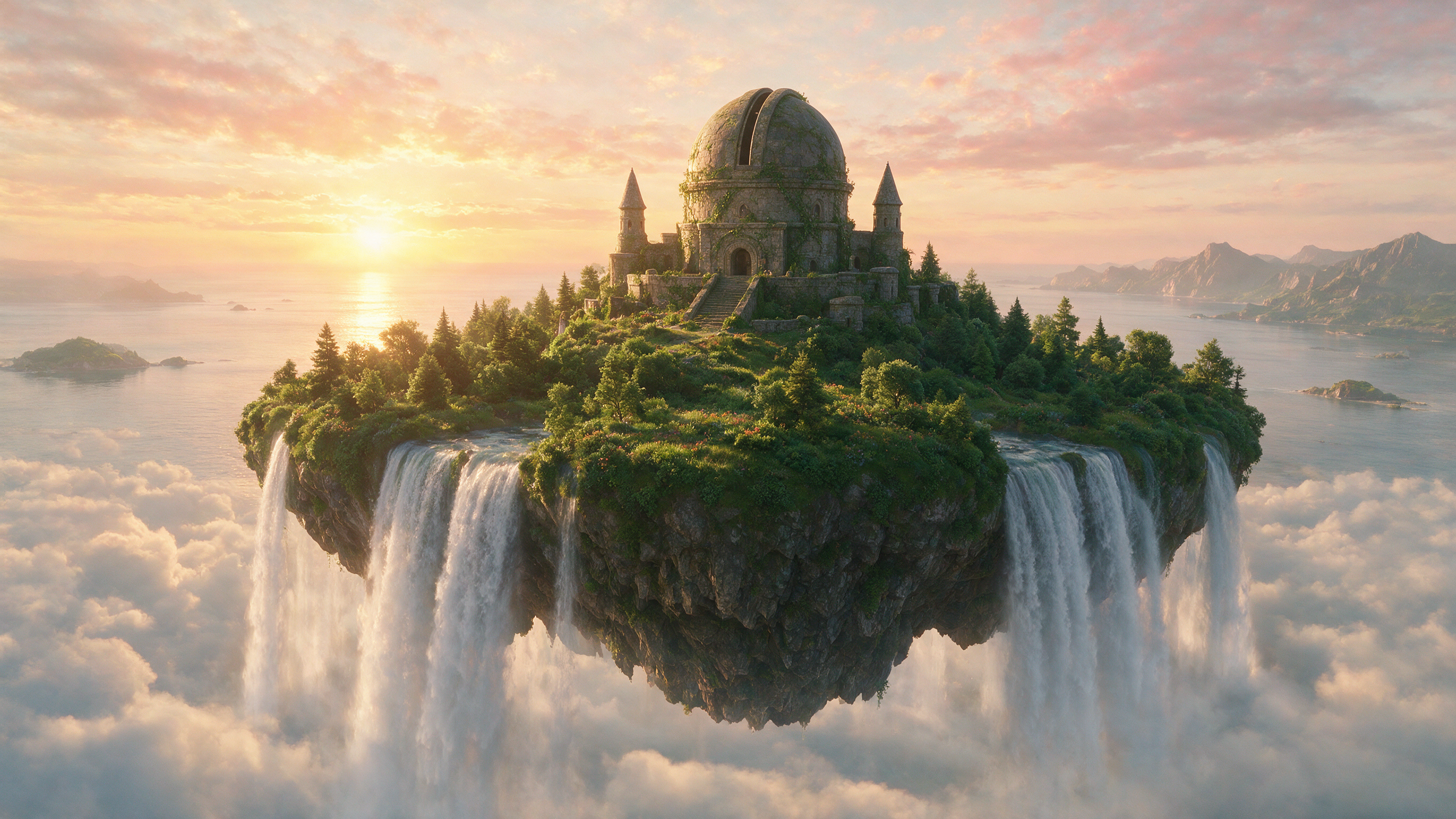
| Concept art | A vast floating island above a quiet ocean at sunrise, ancient stone observatory, waterfalls falling into clouds, cinematic scale, atmospheric depth, refined fantasy concept art. |
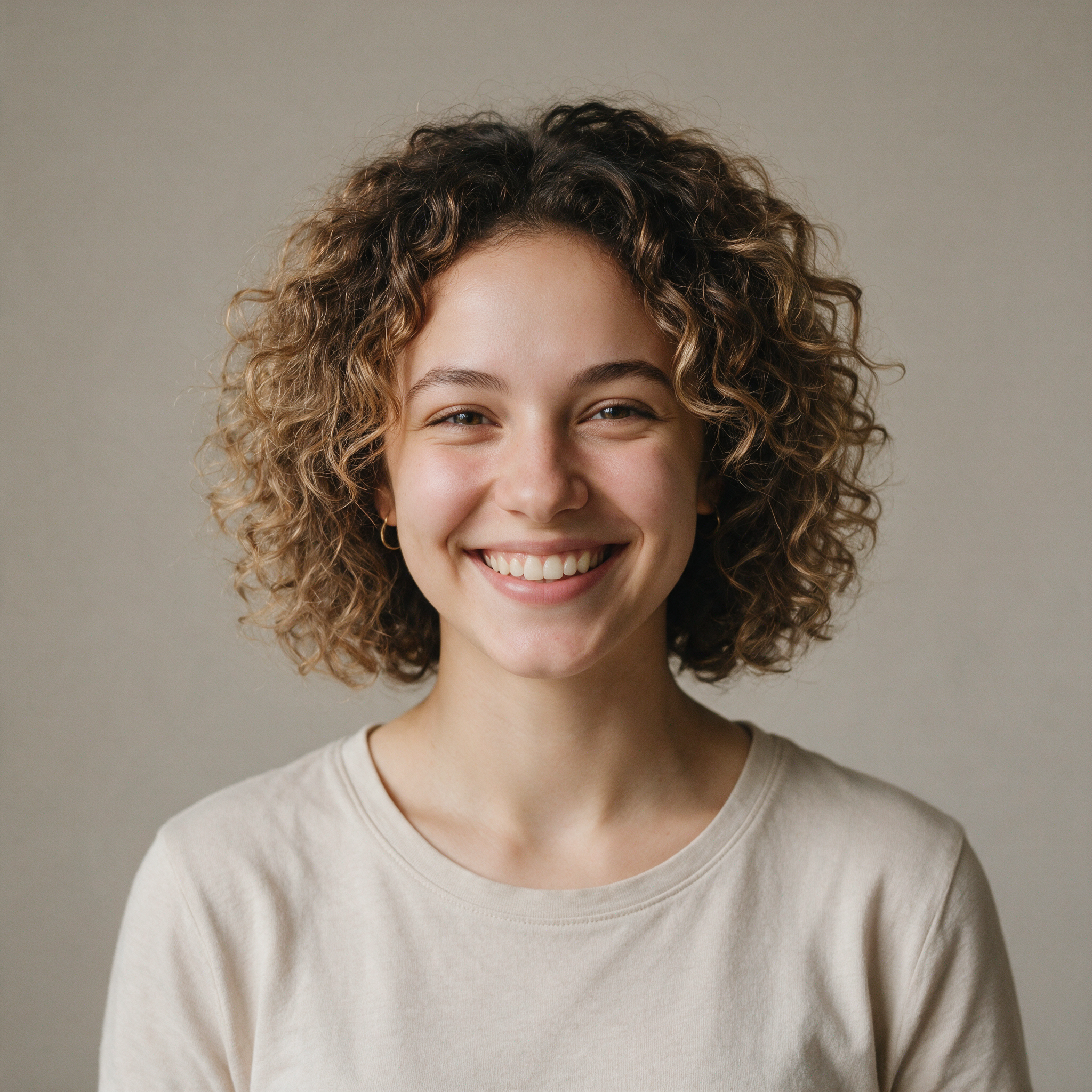
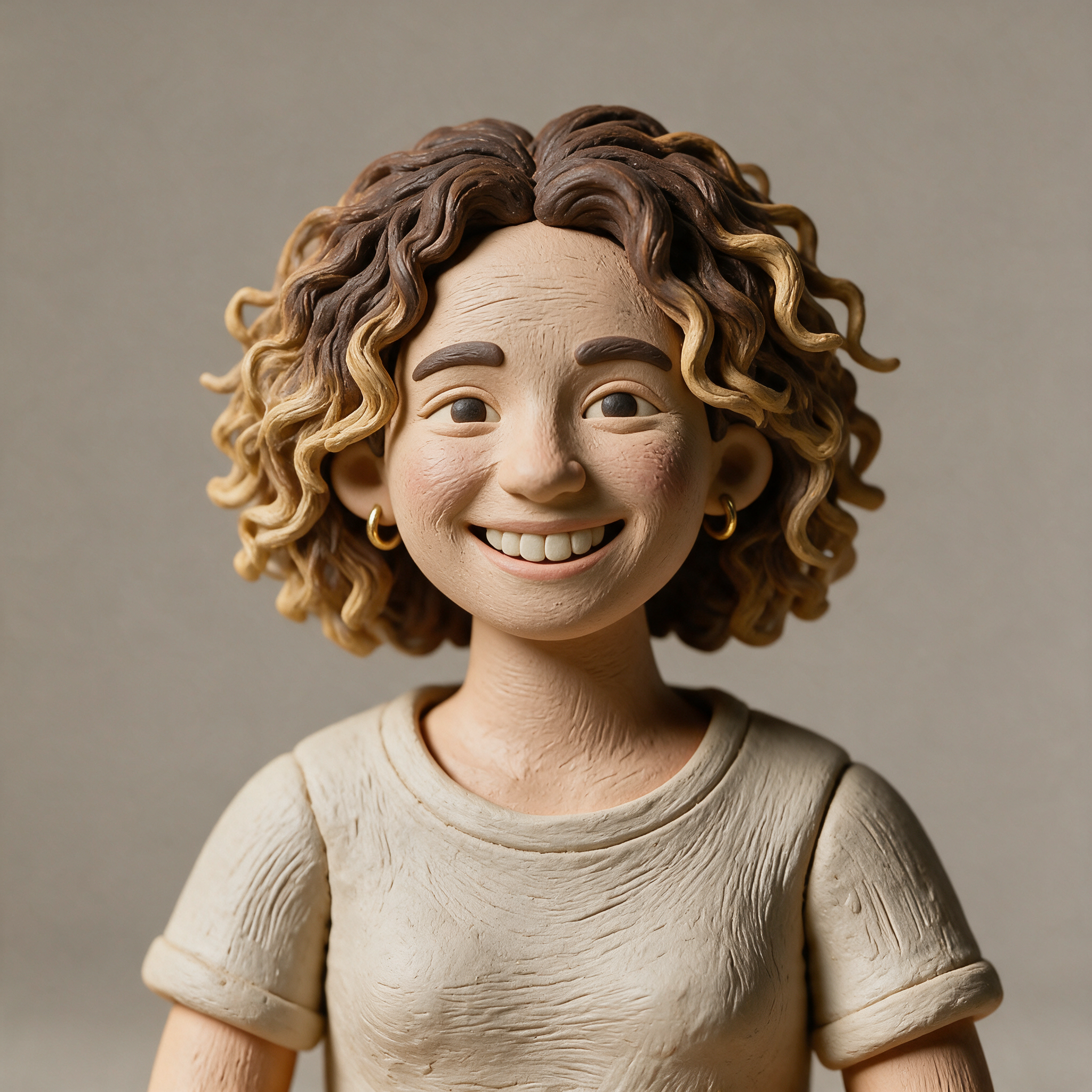
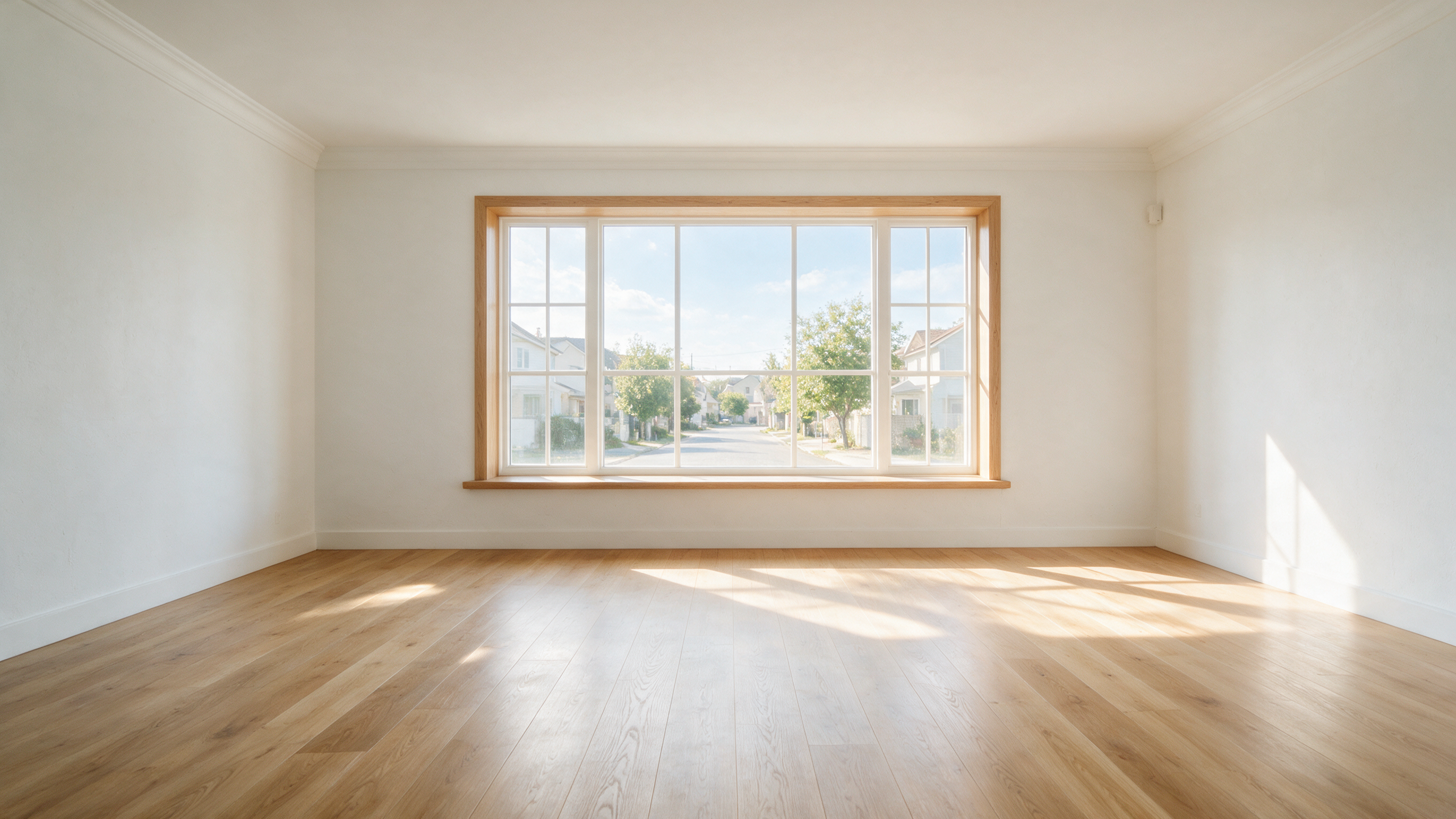
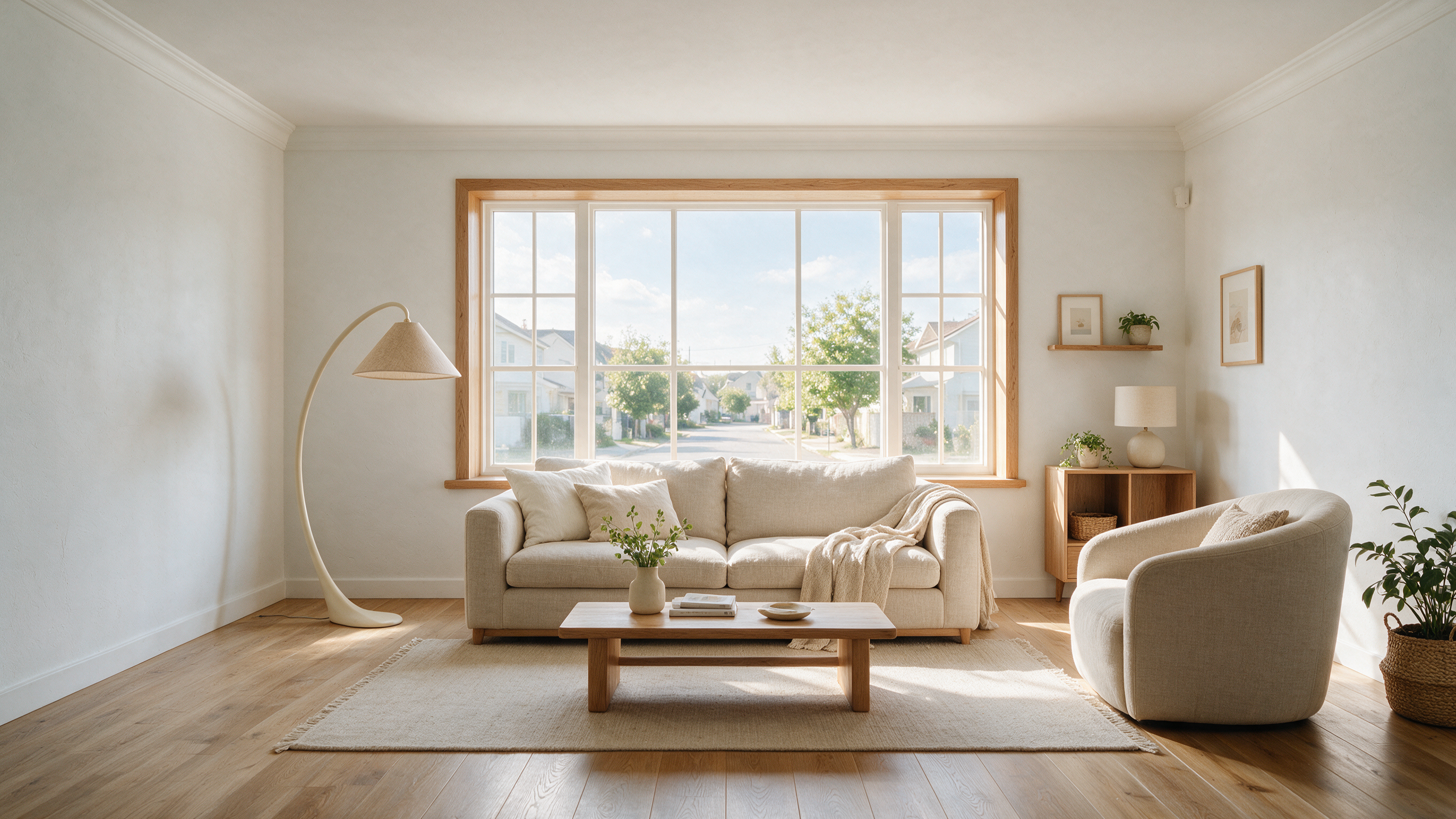
Choose a starting point, describe the result, then generate and refine — you get a finished image without design skills.
Begin with a text prompt or upload an image you want to transform.
Explain the subject, setting, style, lighting, composition, and the details that should stay unchanged.
Download your result, regenerate an alternative, or continue editing the image with another instruction.
Answers about Muse Image creation, editing, credits, and uploads.
Muse Image is Meta Superintelligence Labs' image generation model, released July 7, 2026, for text-to-image creation, precise editing, and multi-reference composition.
As of July 2026 there is no public Muse Image API for developers. Meta lists Muse Image inside Meta AI, Instagram, and WhatsApp.
Yes. Sign in or create an account to receive free trial credits.
You can generate an image from text or upload one photo and transform it with plain-language instructions.
The current editor accepts one reference image at a time.
Commercial use depends on the rights you hold to your prompts, uploads, brands, and depicted people. Review the applicable usage terms before publishing.
Your upload is processed to complete your request. Temporary file links can expire, and you confirm you own or have permission for any people shown. See the Privacy Policy for retention and deletion details.